Tela Desktop
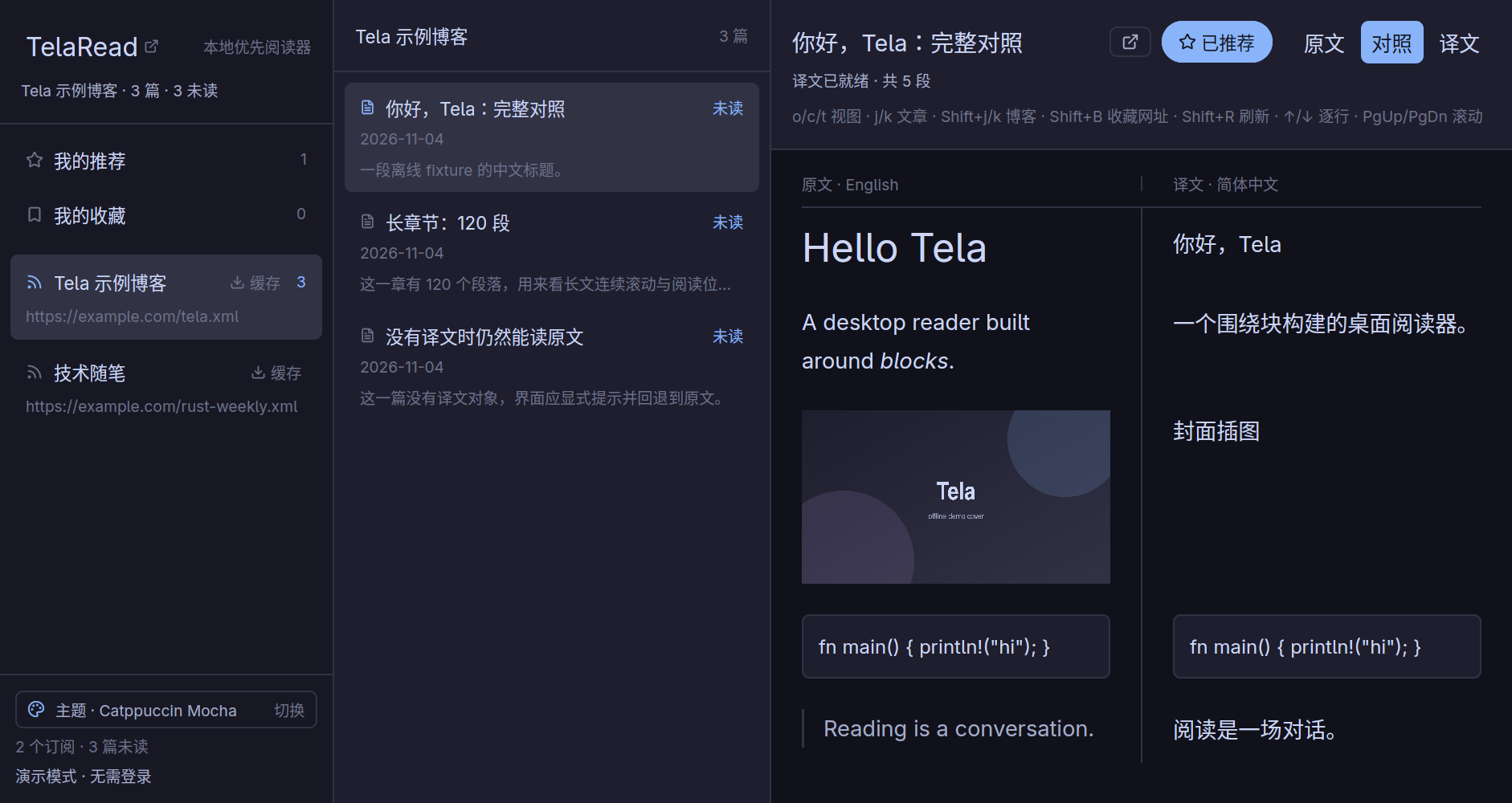
A local-first desktop reader for the Tela independent blog community. Read subscriptions offline, compare the original and translation side by side, bookmark any web page as Markdown, and switch between customizable themes.
Tela Desktop
Tela Desktop is a local-first desktop reader for Tela, a community of independent blogs. It is written in Rust with GPUI Kit and keeps subscriptions, articles, translations and images in a local database, so reading continues offline.
Read in two languages
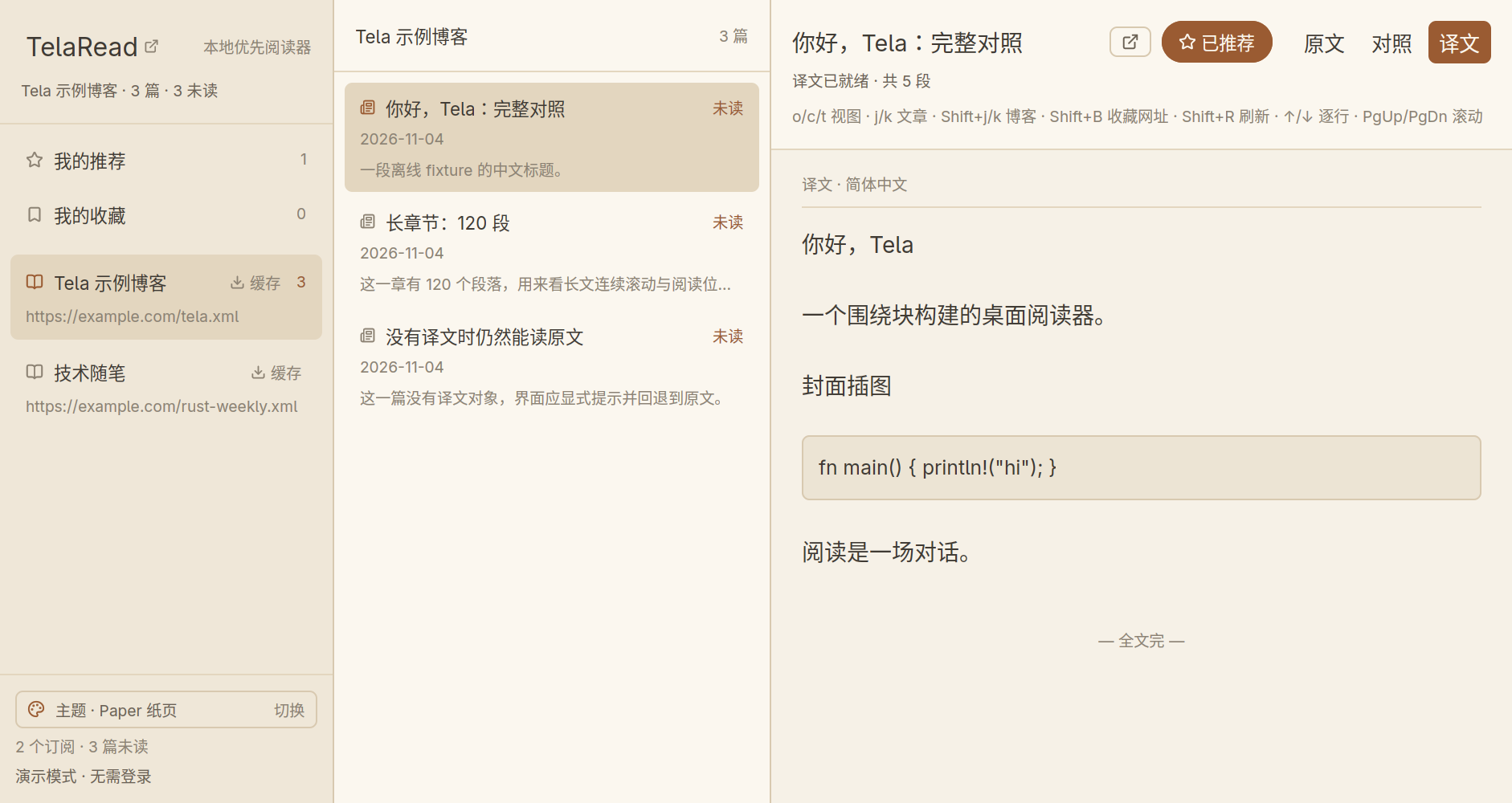
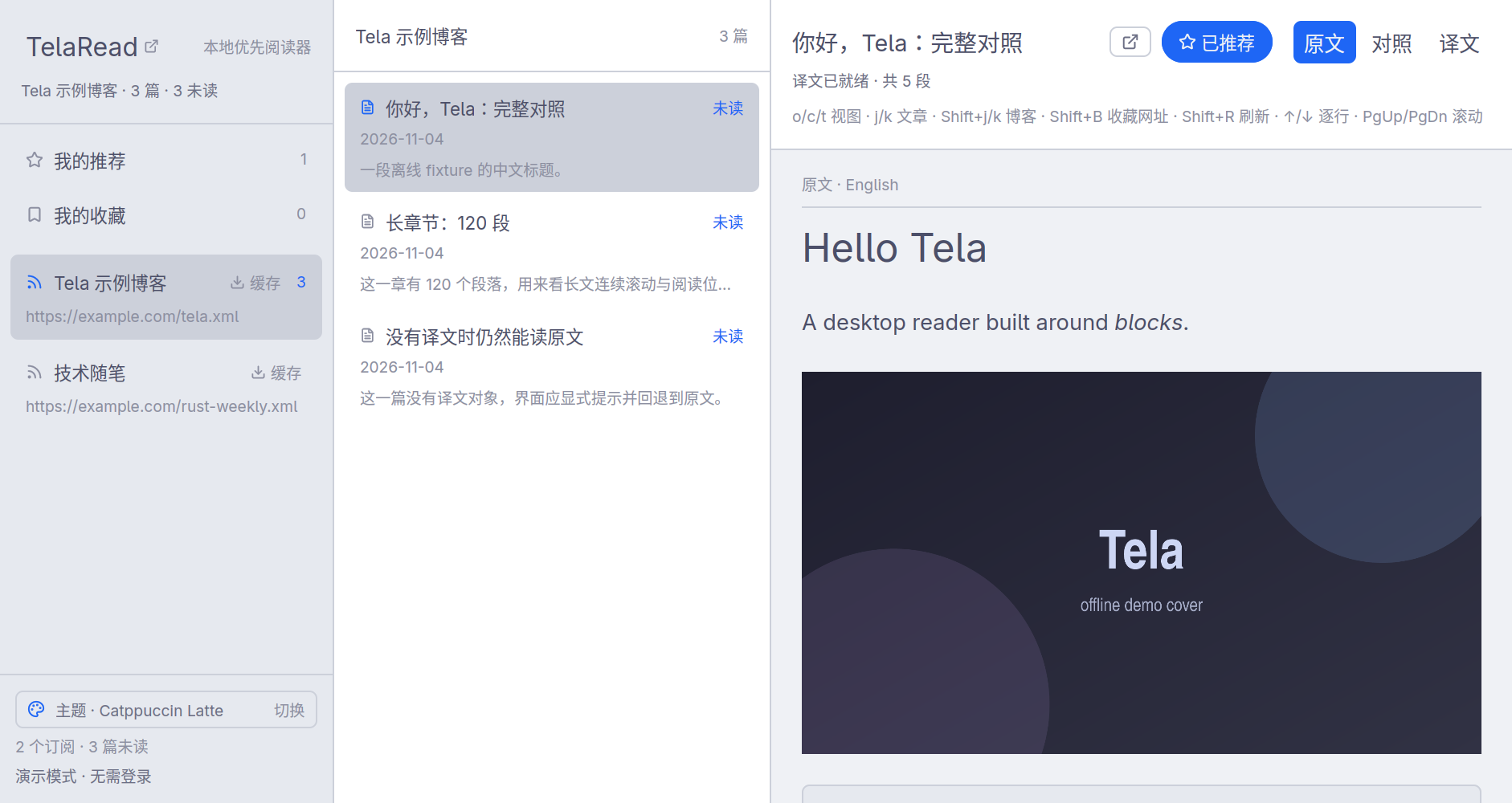
Switch any article between the original, the translation, and a side-by-side comparison with a single key. Articles without a translation fall back to the original, and a long article scrolls continuously.
Keep what matters
Cache a whole subscription for offline reading, recommend articles, and bookmark any web page. Bookmarks are extracted to Markdown and checked for updates when opened. Changes made offline are queued and sent at the next sync.
Make it yours
Choose Catppuccin Mocha, Catppuccin Latte or Paper, or write your own theme file with its own icons, fonts, colors and borders. The app is designed for the keyboard, with shortcuts for moving between articles and blogs, changing views and scrolling.