SnapIt
A native cross-platform screenshot tool with multi-monitor region capture, annotations, on-device text recognition, screen pins, and GIF / MP4 recording, all from the tray.
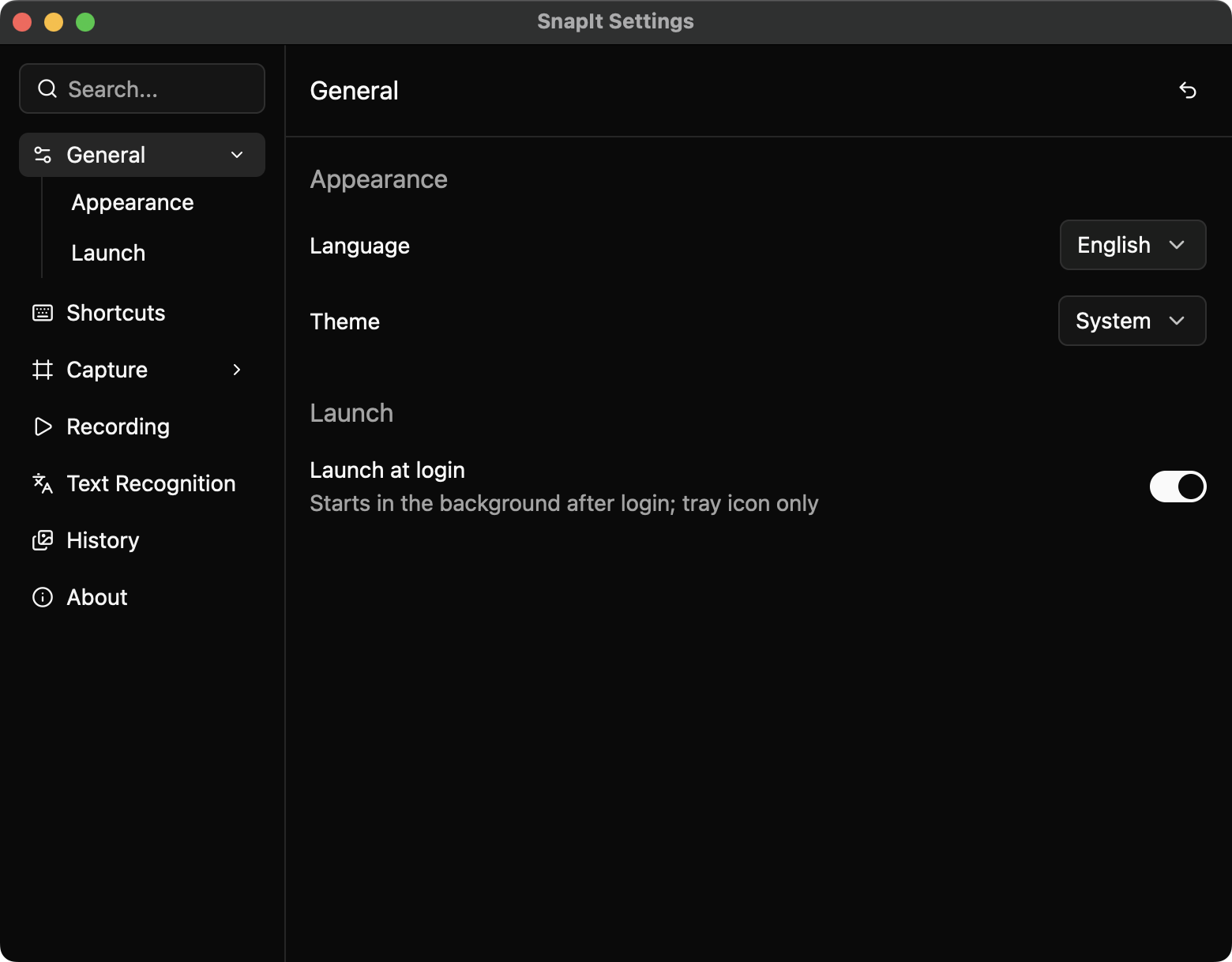
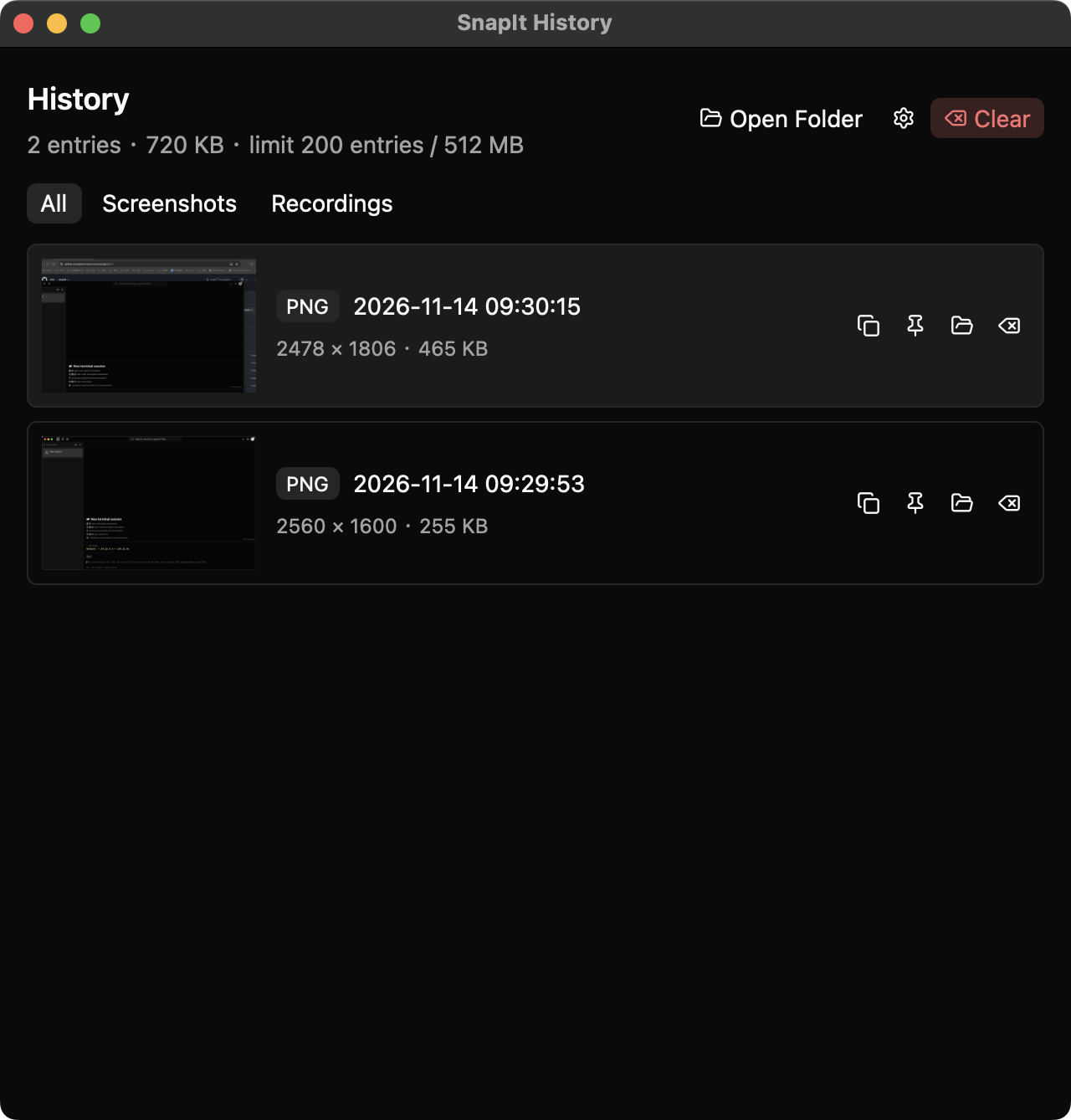
SnapIt
SnapIt is a native screenshot tool for macOS and Windows that lives in the tray. A global shortcut freezes every display and opens an overlay on each monitor, so a region can be captured on any screen without moving windows around first.
What it does
- Region capture across multiple monitors, plus window and UI-element snapping.
- Annotations: rectangle, arrow, pen, mosaic, text and numbered steps, with undo.
- Copy as PNG, save as PNG or JPEG, or pin a capture above other windows so it stays visible.
- On-device text recognition through Apple Vision, Windows.Media.Ocr or a bundled pure-Rust engine, which copies the recognized text automatically.
- Region recording to GIF or MP4, with a pure-Rust GIF encoder (a shared palette and change-only frames) and MP4 written through the platform media frameworks.
- An in-recording control bar to pause, cancel (discard the take) or stop and save.
- A history panel that keeps recent captures and recordings, with copy, pin, reveal and delete actions.
- Configurable global shortcuts, light and dark themes, and a Simplified Chinese or English interface.
Design notes
SnapIt is written in Rust on GPUI through gpui-kit, the UI toolkit behind Zed's editor, so it ships as a single small executable with no Electron or WebView layer. Settings, history, text recognition results and pins open as panels on demand instead of a main window, which keeps the app out of the way until it is needed. Annotation rendering, image encoding and OCR all run locally.
The project is open source at https://github.com/gjfei/snapit.